|
 |
 |
 |

|
 |
 |
 |
 |
 |
 |
 |
 |
 |

For immediate
assistance, select a help topic
above. | |
 |
 |
 |
 | |
 | Help Home >Webshots Homepage
|
- What is the Professional Photo Gallery?
- What is the Big Picture?
- Why can't I download photos from the Big Picture in High Resolution or Widescreen formats? I'm a Premium Member.
- Why am I getting the message to download the Adobe Flash Player?
- What is the Member Photo Gallery?
- Where are the daily Professional Photos?
- Where is the link to upload new photos?
- How can I access my account information from the homepage?
- What is the Professional Spotlight?
- What is the Member Spotlight
- What is the Recent Activity module?
- What are my search options?
- Where can I find out what's going on in the Webshots blog?
- What is the Professional Photo Gallery?
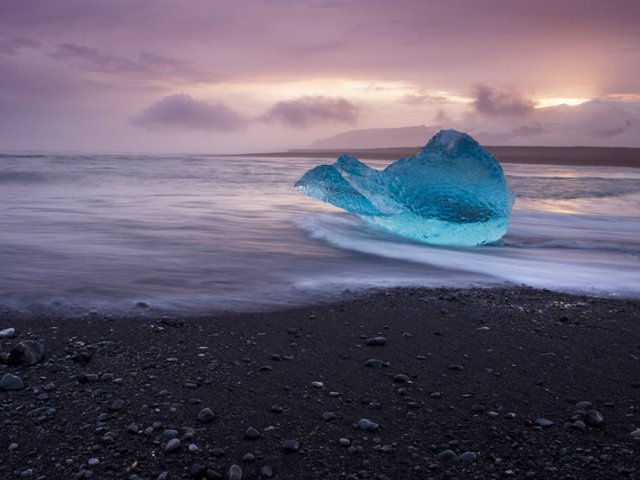
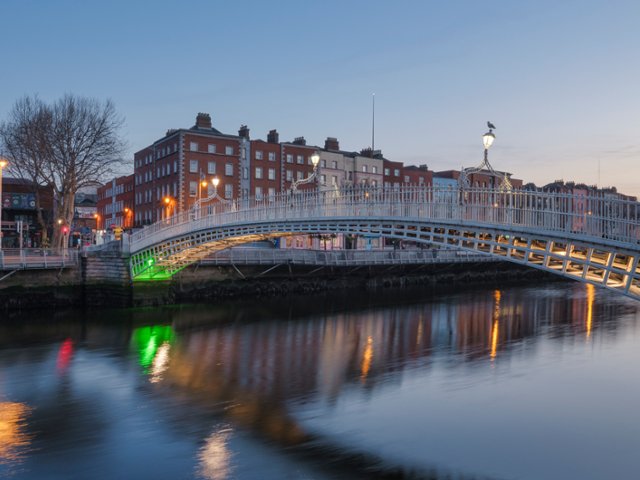
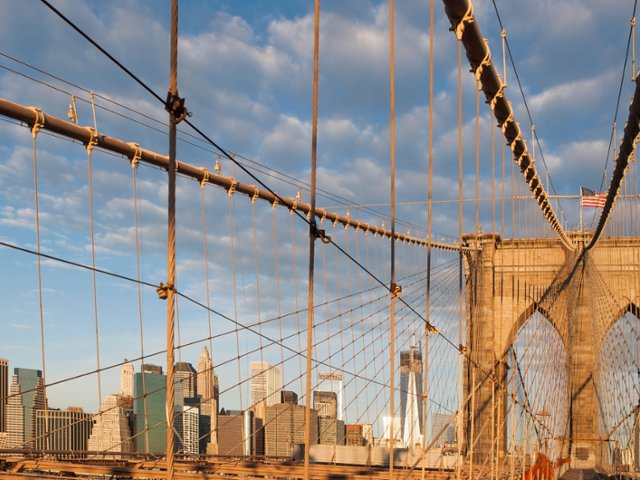
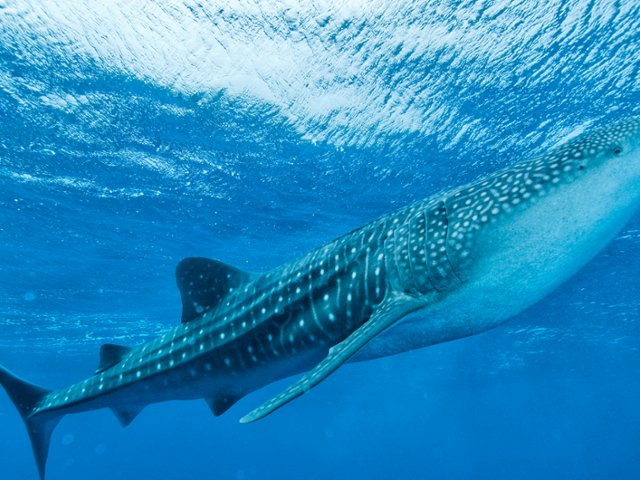
Each day, the editors currate a photo story for you to enjoy, using a mix of new professional photos as well as popular ones from our catalog to create a fun photo experience. You can guess the themes on our Facebook page or tweet us your guesses at @WebshotsTweets. This addition to the homepage unifies Webshots into a community of both professional and member photographers, and really highlights the amazing photos we have.
Back to top | Help Home
- What is the Big Picture?
The Big Picture is our daily featured photo on the Webshots homepage. The photo will either be from one of our member or professional photographers, and you can scroll through some of our previous featured photos by using the arrows to the left and right. If the photo is by a professional, you will see the options to download it in hi-res, widescreen, and regular formats. If the photo is by a member, you will see only the option to download it in regular format. If you want the opportunity to have one of your photos featured in this area, please make sure that your photo has a title.
Back to top | Help Home
- Why can't I download photos from the Big Picture in High Resolution or Widescreen formats? I'm a Premium Member.
The Big Picture is our daily featured photo on the Webshots homepage and includes both member and professional photos. If the photo is by a professional, you will see the options to download it in hi-res, widescreen, and regular formats. If the photo is by a member, you will see only the option to download it in regular format as we do not offer the ability to download member photos in hi-res and widescreen.
Back to top | Help Home
- Why am I getting the message to download the Adobe Flash Player?
The Big Picture uses Adobe Flash Player to display a carousel of images that you can browse through. Flash is a standard web program that is safe and trusted by Webshots and many other sites. If you don't have Flash installed, you will get a message to install the latest version, which you can get for free at www.adobe.com
Back to top | Help Home
- What is the Member Photo Gallery?
The Member Photo Gallery highlights the Photo of the Day and Featured Album from our Member photographers. You can click on the View Archive link to see previous Photos of the Day and Featured Albums. To be featured in this area, please make sure that your photo or album has a title.
Back to top | Help Home
- Where are the daily Professional Photos?
The Big Picture will include both professional and member photos. If you want to see just the professional photos for the day, the daily photos, please visit the professional photos homepage by clicking on 'Professional Photos' at the top of our homepage.
Back to top | Help Home
- Where is the link to upload new photos?
To upload photos, you can click on the 'upload' link under your member name in the upper-right corner of the header at our Webshots website. You can also roll over on the "Member Photos" drop down menu in the header and then click on upload at the bottom of the menu.
Back to top | Help Home
- How can I access my account information from the homepage?
You can access your Webshots account by logging in to Webshots at www.webshots.com and clicking on the 'My Shots' link at the top of our website. This will connect you with your homepage where you will find your albums and tabs for the different sections of your page. If you select the account tab, you will be able to update your password, email address, payment information and other information in your profile.
Back to top | Help Home
- What is the Professional Spotlight?
The Professional Spotlight is a new feature to showcase our professional photographers. Each month, we'll feature a new photographer and their collection of photos on Webshots
Back to top | Help Home
- What is the Member Spotlight
The Member Spotlight is a new feature to showcase our member photographers. Each week, we'll feature two new members and their collection of photos on Webshots. These members are chosen by the staff for their amazing images and contributions to the Webshots community.
Back to top | Help Home
- What is the Recent Activity module?
The Recent Activity module is a Facebook social plug-in that shows which Webshots photos your Facebook friends are liking and sharing. To see the activity, make sure you are logged in to your Facebook account.
Back to top | Help Home
- What are my search options?
Once you type in your search term, you can refine your search to the following options: all photos (member and professional); member photos; professional photos; premium only (professional photos for Premium members); entertainment (member photos); family (member photos); good time (member photos); home & garden (member photos); news (member photos); outdoors (member photos); pets (member photos); rides (member photos); sports (member photos); and travel (member photos). You can also click on member search and advances search from the drop down menu.
Back to top | Help Home
- Where can I find out what's going on in the Webshots blog?
To read the Webshots blog, just click on the Webshots Blog button to the right of the search box in the top navigation. The blog features site updates and announcements, photo tips from our professional photographers, the Creative Challenge photo contest, the Weekend Photo Walk, and more.
Back to top | Help Home
| | |
|